- Out-of-Stock
.png)


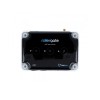

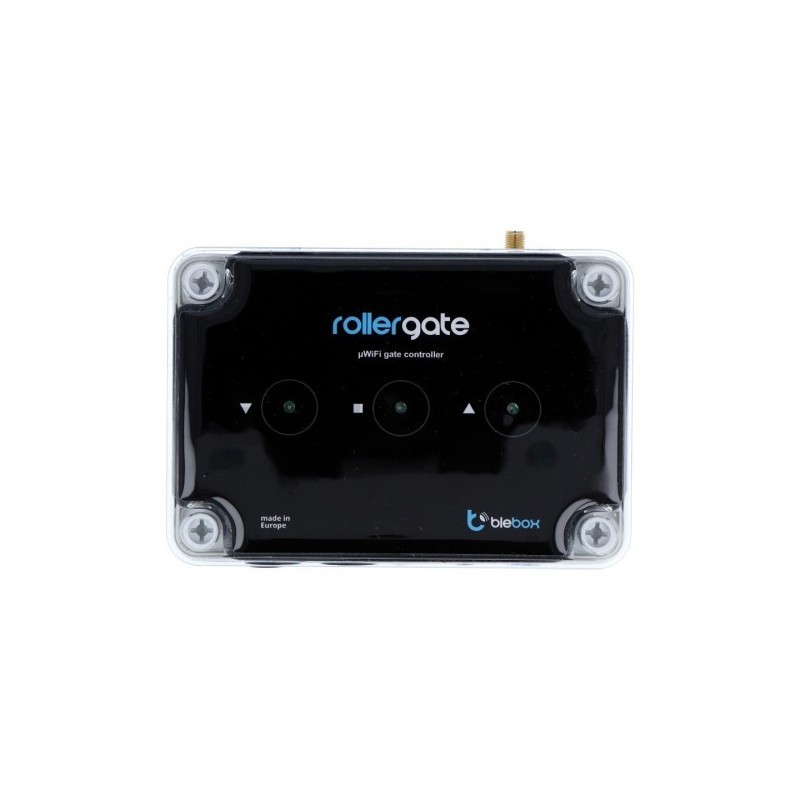
Integrated controller for rolling gates in uWifi technology with an Android/iOS application. BleBox Rollergate
BleBox Rollergate is an integrated module that allows closing and opening roller gates and checking their status via WiFi network using the smartphone application from anywhere in the world. In order to use BleBox, you only need to configure the device via a web browser.
To connect the module to your home WiFi network, you need to connect your computer to the WiFi network created by the BleBox module. Then just start the web browser and enter the device's IP address: http://192.168.4.1. On the configuration page, select the home WiFi network and enter the password.
Using the Google Play store or AppStore , download the wBox – control everything application. If the WiFi network has been properly configured, the module will be automatically detected by the application.
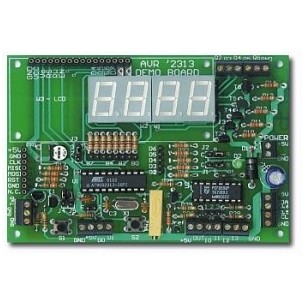
TEST PLATE FOR BASCOM AVR COURSE MICROPROCESSOR BOILER LINK - SET ASSEMBLED AND STARTED
No product available!
No product available!
No product available!
No product available!
No product available!
No product available!
No product available!
No product available!
No product available!
No product available!
No product available!
No product available!
No product available!
No product available!
No product available!
No product available!
Integrated controller for rolling gates in uWifi technology with an Android/iOS application. BleBox Rollergate