.png)



zł20.58 tax excl.
SEN-14520
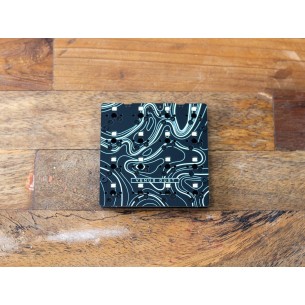
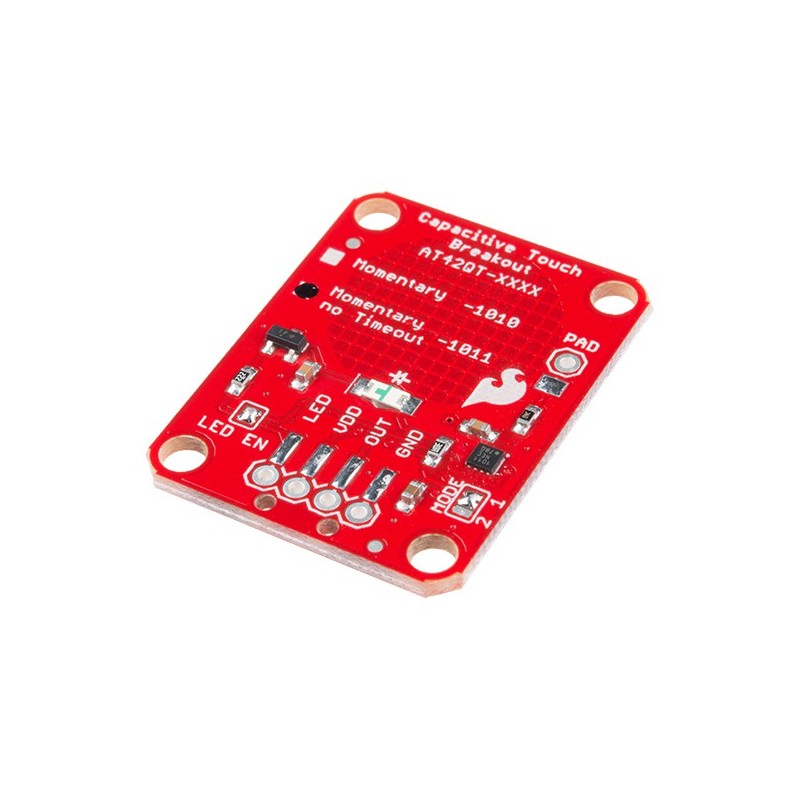
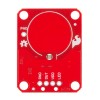
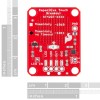
If you need to add user input without using a button, then a capacitive touch interface might be the answer. The AT42QT1011 SparkFun Capacitive Touch Breakout offers a single, momentary capacitive touch button with easy-to-use digital I/O pins.
The AT42QT1011 is a dedicated, single-button capacitive sense chip. The chip handles monitoring a conductive area for touch. As long as a touch (e.g., from a finger) is detected, the AT42QT1011 keeps the output line high. Otherwise, the line is kept low. You just need to provide a power source (1.8V–5V) and ground for the AT42QT1011 to work. Additionally, a PAD pin is available if you would like to create your own external electrode.
Unlike its sibling, the AT42QT1011 does not have an internal time-out, meaning that if you hold your finger to the breakout’s pad for any length of time, it will stay on. The difference between the AT42QT1010 and the AT42QT1011 is small but may be a game changer depending on your project’s uses.
Manufacturer
Responsible person
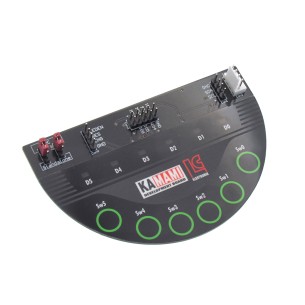
Module with AT42QT1060 controller - contectless keyboard controller, Kamami, RoHS.
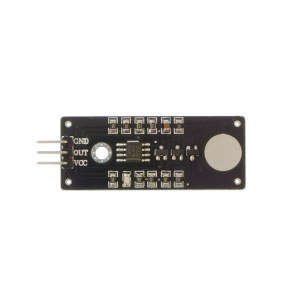
Touch Sensor Switch Module for Arduino, RoHS
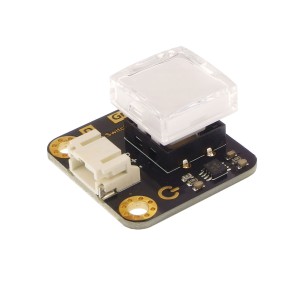
Module with a bistable button and green LED backlight. The board is equipped with a Gravity connector and communicates via a digital interface. DFRobot DFR0785-G
No product available!
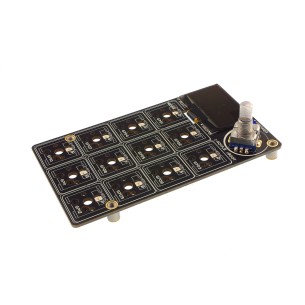
Mechanical keyboard module with LED backlight, encoder and display. Based on the RP2040 microcontroller. Adafruit 5100
A module for building a mechanical keyboard with 16 buttons and backlight. Based on the RP2040 chip, it has sockets compatible with Cherry-MX switches. Pimoroni PIM567
No product available!
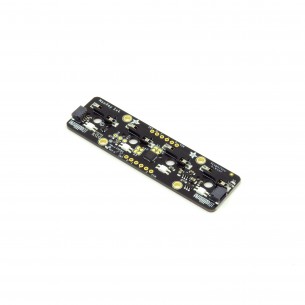
Module for 4 mechanical buttons with LED backlight in the form of NeoPixel diodes. Communicates via I2C. Adafruit 4980
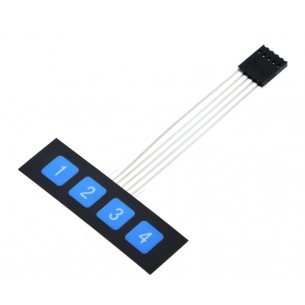
Membrane keypad module with 4 buttons. It is equipped with a tape terminated with a 5-pin connector
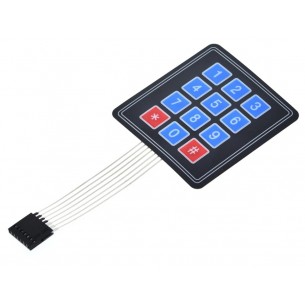
Membrane keypad module with 12 (3x4) buttons. It is equipped with a tape terminated with a 7-pin connector
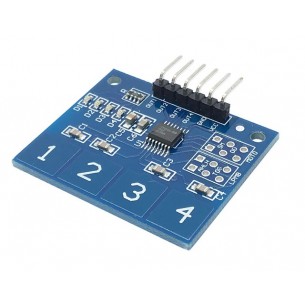
Touch keyboard module with 4 buttons based on the TTP224 system. It is equipped with a connector with derived signals and 4 LEDs signaling the state of each button
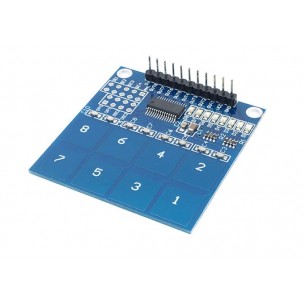
Touch keyboard module with 8 buttons based on the TTP226 chip. It is equipped with a connector with derived signals and LEDs that indicate the state of each button
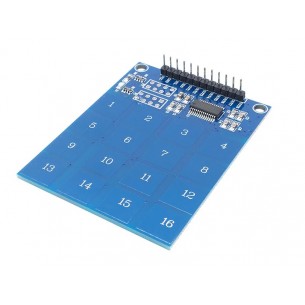
Touch keyboard module with 16 buttons based on the TTP229 chip. It is equipped with a connector with derived signals and a power supply diode
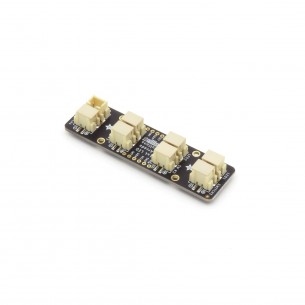
The module allows you to connect 4 arcade buttons with LED backlight. Equipped with a STEMMA QT connector, it communicates via the I2C interface. Adafruit 5296
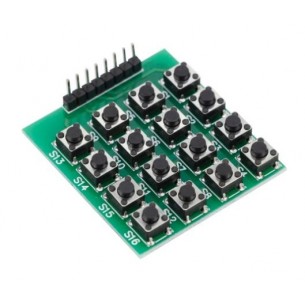
Keyboard module with 16 buttons in the form of a 4x4 matrix. Equipped with an 8-pin connector with 2.54 mm pitch
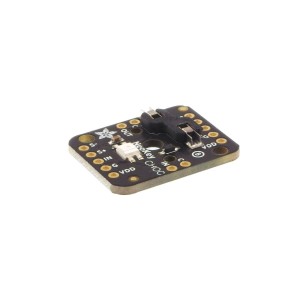
Module with backlight in the form of RGB NeoPixel diode dedicated to CHOC buttons (or compatible). Adafruit 5756
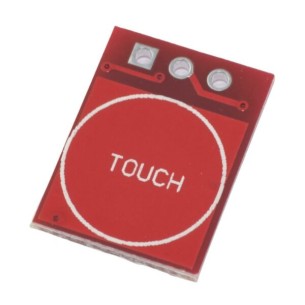
The modTTP223 module is a capacitive touch sensor that detects touch on the sensor surface and generates a digital output signal. With its compact size (14 x 11 mm) and operating voltage range of 2 V to 5.5 V, it is ideal for integration with microcontrollers such as Arduino or Raspberry Pi in projects requiring a touch interface.
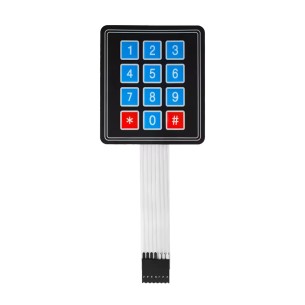
The modKB3x4 module is a 12-button matrix membrane keypad arranged in a 3x4 layout, allowing easy data input in electronic projects. With its compact size and simple interface, it is ideal for integration with microcontrollers such as Arduino or Raspberry Pi in applications requiring a user interface. modKB3x4
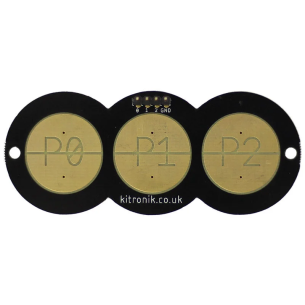
Module with three resistive touch pads designed for use with BBC micro:bit. Breaks out pins P0, P1 and P2 to large finger-operated pads and provides P0, P1, P2 and GND connections via a pre-fitted pin header. The board can be connected using jumper wires or soldered connections and programmed in Microsoft MakeCode. Kitronik 5637
DIY soldering kit for building a compact programmable macro keyboard based on the RP2040 microcontroller. Features 5 MX switches, a programmable rotary encoder, USB-C and QMK firmware support. Compatible with Windows, macOS and Linux. Soldered 333347
No product available!
SEN-14520