.png)



zł134.70 tax excl.
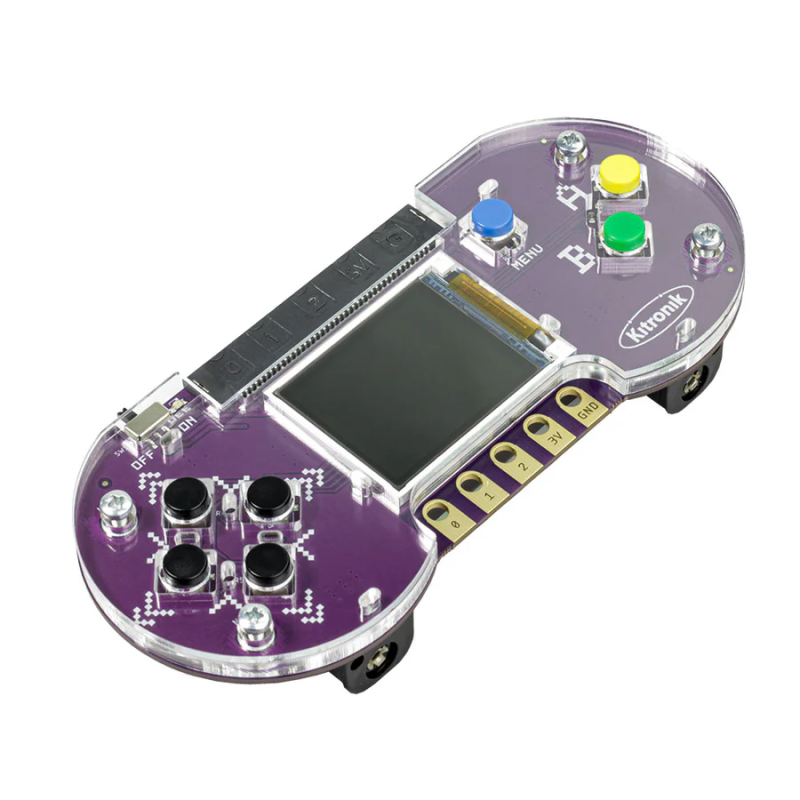
A retro gaming platform that lets users use the BBC micro:bit and the MakeCode Arcade editor to create and run their own games. The console features 4 directional D-pads, 2 interactive action buttons, a 1.77-inch full color screen, and ports for connecting additional devices, making it incredibly functional and convenient to use. Due to the educational nature of MakeCode Arcade, there are numerous resources and guides available to help both beginners and advanced users learn how to program games. Kitronik 56116
Kitronik ARCADE is a retro gaming platform that allows users to utilize the BBC micro:bit and the MakeCode Arcade editor. It enables users to write their own games and run them on the ARCADE device or download existing ones. The MakeCode Arcade editor is an excellent way to learn game coding. It offers a simple block-based design that allows users to build basic games in just a few minutes. The editor is designed so that anyone, from beginners to experienced gaming enthusiasts, can create games to run in a browser or on portable consoles. It consists of blocks that can be dragged and connected to create programs. You can also write code in JavaScript and Python.
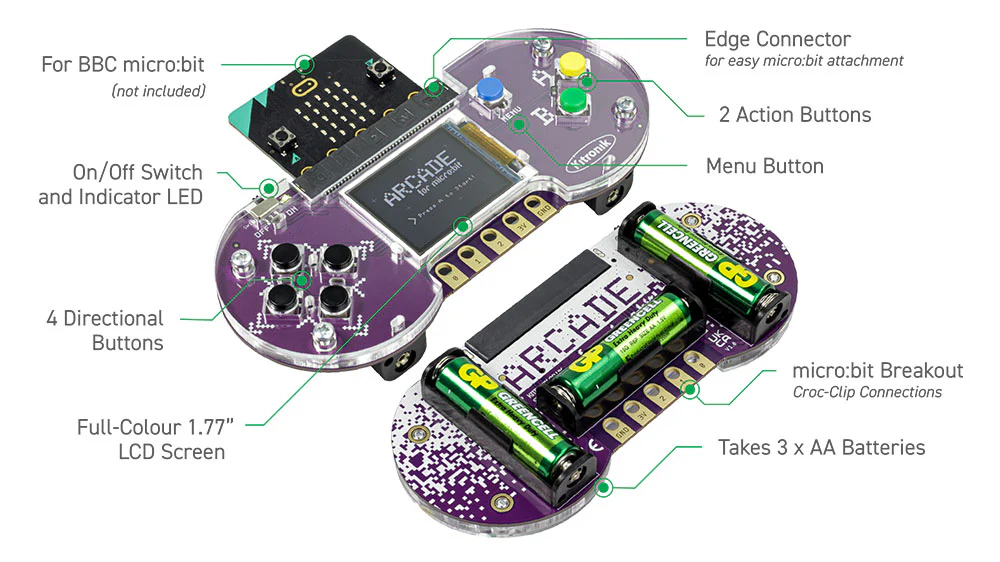
The console is equipped with a 4-directional D-pad, 2 interactive action buttons for programming, a menu button, a full-color 1.77-inch screen, and 5 croc-clippable connectors for attaching additional switches and devices, including 3 BBC micro:bit pins (P0, P1, and P2), as well as a power and ground pin. Audio is delivered through the built-in speaker on the BBC micro:bit board. The Kitronik ARCADE is powered by 3 AA batteries located in the battery holder on the back of the PCB. The battery holder also serves as an ergonomic grip, making it comfortable to use. The board supplies power to the connected micro:bit through the edge connector, eliminating the need for separate power for the module. The ARCADE features a built-in power switch, but it can also be turned off simply by removing or inserting the micro:bit into the edge connector. A green power LED lights up when the board is powered, turned on, and has a micro:bit inserted.
The educational nature of MakeCode Arcade is emphasized by the availability of numerous resources on the MakeCode Arcade website, which make working with it easier. Users can find step-by-step guides for creating simple games, more complex games for learning, games written by community members that can be analyzed, tutorials on game concepts, tutorials exploring graphics and math, lesson plans, computer science courses, printable coding cards for the classroom, and instructional videos.
Manufacturer
Responsible person
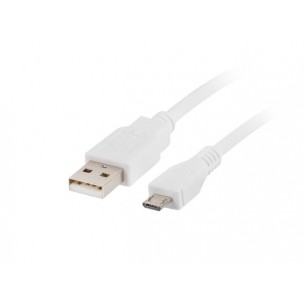
Cable with USB typ A and microUSB typ B connectors, cable length 1 m. LANBERG CCP-MUSB2-AMBM-W-1M
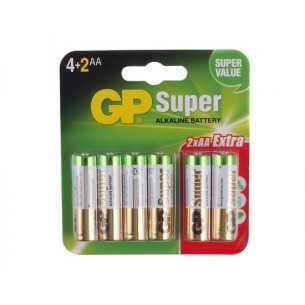
AA/LR6/R6 alkaline battery with 1.5V voltage. 6 pcs. GP15AU
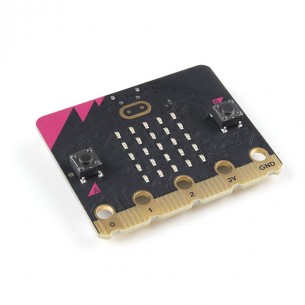
Educational micro:bit module with 32-bit ARM Cortex-M4 microcontroller. Manufactured to interest the youngest in computer engineering. SparkFun DEV-17287
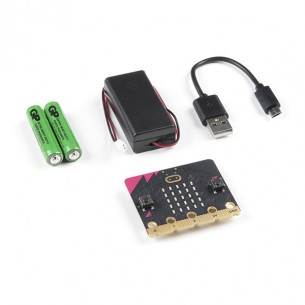
Starter kit with micro:bit v2. In addition to the micro:bit v2 board, the set includes a microUSB-USB cable, a battery basket and two AAA batteries. SparkFun DEV-17288
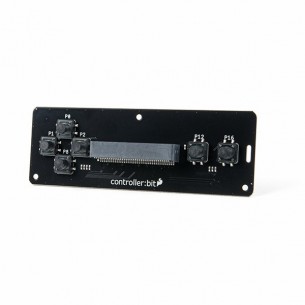
The expansion module is designed for micro:bit board. Controller: bit offers a fully functional controller module with a design based on a classic Nintendo controller. SparkFun DEV-16129
Educational micro:bit module with 32-bit ARM Cortex-M4 microcontroller. Manufactured to interest the youngest in computer engineering. SparkFun DEV-17287
Starter kit with micro:bit v2. In addition to the micro:bit v2 board, the set includes a microUSB-USB cable, a battery basket and two AAA batteries. SparkFun DEV-17288
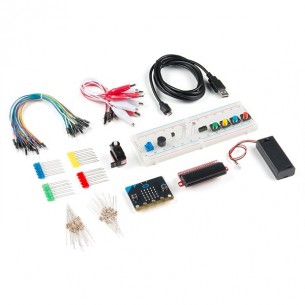
Starter kit with micro:bit v2. The set includes the most necessary elements needed to implement micro:bit projects: LEDs, buttons, potentiometer, servo, prototype board and a set of cables. SparkFun KIT-17362
No product available!
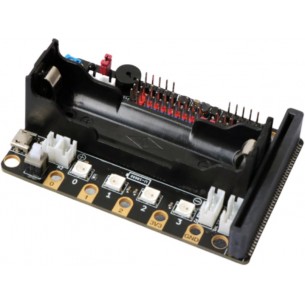
The magic:bit expansion module is designed to work with the micro:bit learning board. It can control servos, DC motors, stepper motors, has four RGB LEDs, an IR receiver and a buzzer
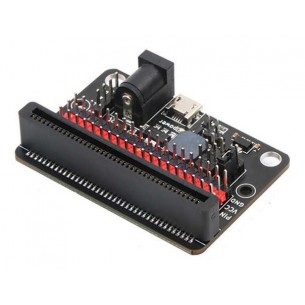
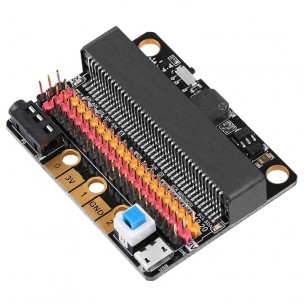
IO expansion module designed for use with the micro:bit educational development board. The board exposes 20 IO pins along with 3.3 V power and GND lines, enabling direct connection of sensors and electronic modules. The design includes a built-in passive buzzer and a voltage stabilization circuit allowing the module to be powered via a 6–12 V DC connector or a microUSB port
The IO expansion module is designed to work with the micro:bit educational board. There are 20 IO pins on the board, a buzzer, audio output and voltage stabilization circuit
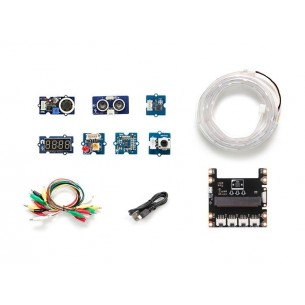
Starter kit for the micro:bit v2. The kit includes an expansion module with Grove connectors, Grove modules with sensors and the necessary accessories. Seeed Studio 110060762
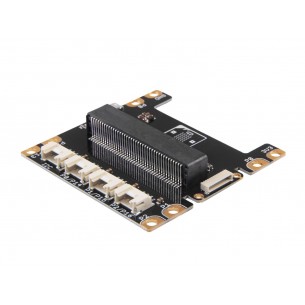
The expansion module is designed for micro:bit v2. It is equipped with connectors to which you can attach modules compatible with the Grove standard. Seeed Studio 103100063
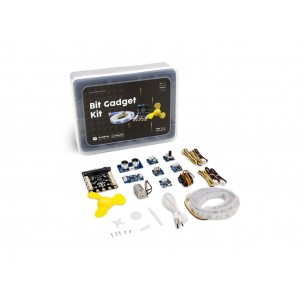
Starter kit for the micro:bit educational module. The kit includes an expansion module with Grove connectors, Grove modules and the necessary accessories. Seeed Studio 114991970
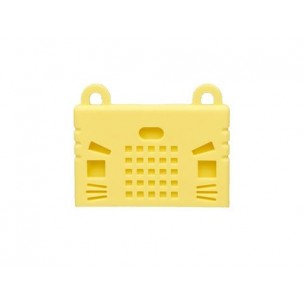
Silicone case designed for the micro:bit educational module. Yellow color. Seeed Studio 114991667
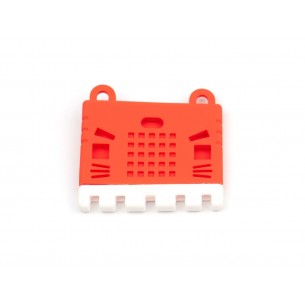
Silicone case designed for the micro:bit educational module. Red color. Seeed Studio 114991661
No product available!
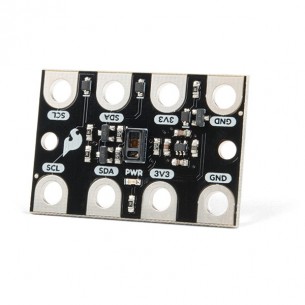
The module with a heart rate sensor and the SpO2 level dedicated to micro:bit. It is based on the MAX30102 chip and communicates via the I2C interface. SparkFun SEN-15271
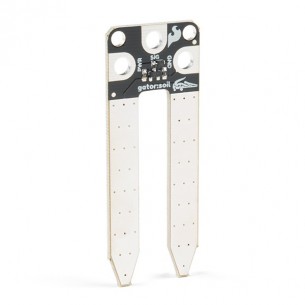
Soil moisture sensor dedicated to micro:bit. It is supplied with the voltage from 3.3 V to 5 V and communicates via an analog signal. SparkFun SEN-15272
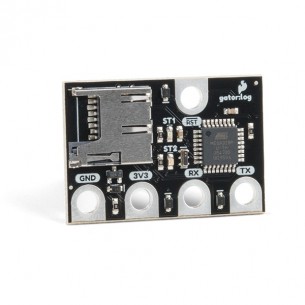
Data logger dedicated to micro:bit. It connects to the module via the UART interface and allows you to save data on a microSD card. SparkFun DEV-15270
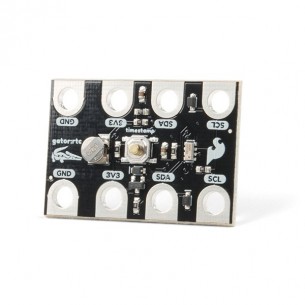
Module with the real time clock (RTC) RV-3028 dedicated to micro:bit. It communicates via the I2C interface. SparkFun SEN-15486
A retro gaming platform that lets users use the BBC micro:bit and the MakeCode Arcade editor to create and run their own games. The console features 4 directional D-pads, 2 interactive action buttons, a 1.77-inch full color screen, and ports for connecting additional devices, making it incredibly functional and convenient to use. Due to the educational nature of MakeCode Arcade, there are numerous resources and guides available to help both beginners and advanced users learn how to program games. Kitronik 56116